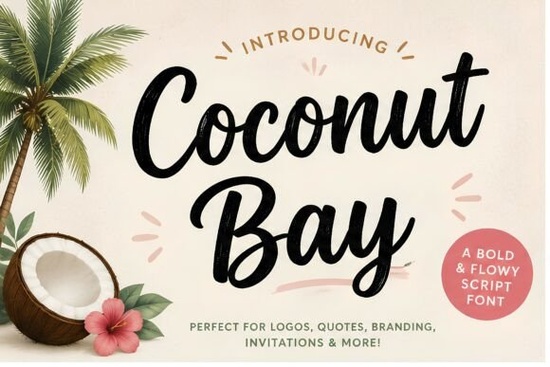
If you're looking for a font that instantly brings summer vibes to your designs, Coconut Bay Font is a great option. It’s a bold, cheerful handwritten script with smooth brush strokes and relaxed curves perfect for anything inspired by beaches, vacations, or coastal living. Whether you’re designing t-shirts, social media posts, wedding invitations, or small business branding, Coconut Bay adds warmth and personality without feeling overdone.
What kinds of projects work best with Coconut Bay?
This font shines in casual, upbeat contexts where friendliness matters more than formality. Think:
- Beach-themed party invites or save-the-dates
- Summer sale banners for boutiques or cafes
- Tropical apparel graphics (tank tops, tote bags, swimwear tags)
- Social media quotes or Instagram story templates
- Logo concepts for surf shops, juice bars, or vacation rentals
Because it’s a script font with natural flow, it pairs well with clean sans-serifs or minimalist layouts. Avoid using it in dense blocks of text it’s meant to stand out, not blend in.
How does it compare to other playful script fonts?
Coconut Bay has a looser, more organic feel than tightly controlled scripts. If you’ve used fonts like Cherry Font, you’ll notice Coconut Bay feels less structured and more spontaneous like notes scribbled in a beach journal. For projects needing extra sparkle, you might consider something like I Love Glitter Font, which leans into glam rather than laid-back charm.
On the other hand, if your design calls for gentle optimism instead of tropical energy, Stay Wonderful Font offers a softer, more delicate alternative. And for quirky, character-driven projects like dad-themed merch or humorous prints Daddy Font brings a completely different kind of personality. Meanwhile, Heart Style Font works beautifully for romantic or heartfelt messages, especially around holidays like Valentine’s Day.
Is Coconut Bay easy to use for beginners?
Yes. The font comes as a standard OTF or TTF file, so it installs just like any system font on Mac or Windows. Once installed, you can use it in popular design tools like Canva (via upload), Adobe Illustrator, Photoshop, Cricut Design Space, Silhouette Studio, and even Microsoft Word.
One tip: because it’s a brush script, some letter connections may vary depending on your software. If you’re using it for cutting machines (like Cricut or Silhouette), test a small phrase first to ensure the strokes connect cleanly or adjust spacing manually if needed.
Can I use it commercially?
Creative Fabrica typically includes a commercial-use license with most fonts, including Coconut Bay meaning you can use it on products you sell, like mugs, shirts, or digital templates. Always double-check the specific license terms on the product page before launching a large-scale product line, but for most small businesses and crafters, it’s ready to go.
Just remember: you can’t redistribute the font file itself or claim it as your own. But using it in your original designs? Absolutely encouraged.
How to make the most of its tropical personality
Coconut Bay works best when paired with complementary visuals:
- Colors: Soft corals, seafoam greens, sandy beiges, or sky blues enhance its coastal mood.
- Textures: Add subtle paper grain, watercolor washes, or linen backgrounds to keep things organic.
- Icons: Palm trees, waves, seashells, or sun motifs reinforce the theme without overwhelming the typography.
And don’t forget white space. Let the letters breathe this font doesn’t need busy backgrounds to shine.
Before you start your next project, here’s a quick checklist:
- Install Coconut Bay Font on your system or upload it to your design platform.
- Test it at your final output size (especially for print or vinyl cutting).
- Pair it with a simple sans-serif for contrast (like Montserrat or Lato).
- Use warm, natural colors that echo beachy tones.
- Review the license to confirm your intended use is covered.
With its friendly bounce and island spirit, Coconut Bay Font makes it easy to bring a little sunshine to your creative work no passport required.
Try It Free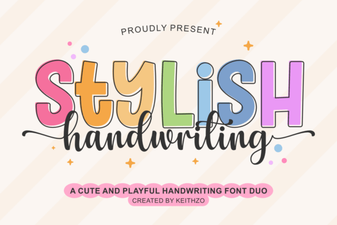 Handwriting Fonts for Creative Projects
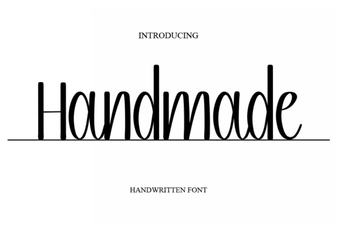 Craft Your Style with Unique Handmade Fonts
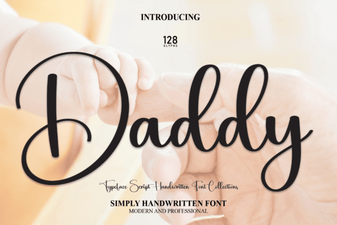 The Daddy Font: Designing Bold & Accessible Projects
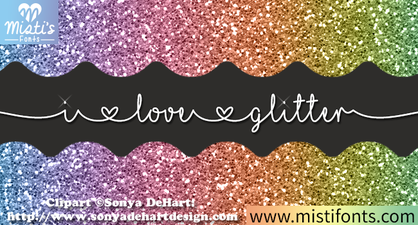 Sparkle & Style: Unleash Your Love for Glitter Fonts
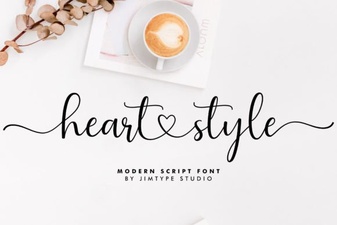 Heart Style Fonts for Creative Projects
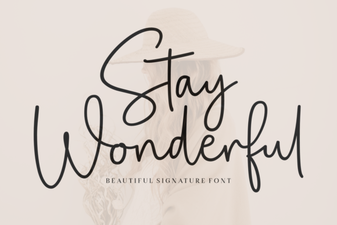 Stay Wonderful Font: Download & Design Tips